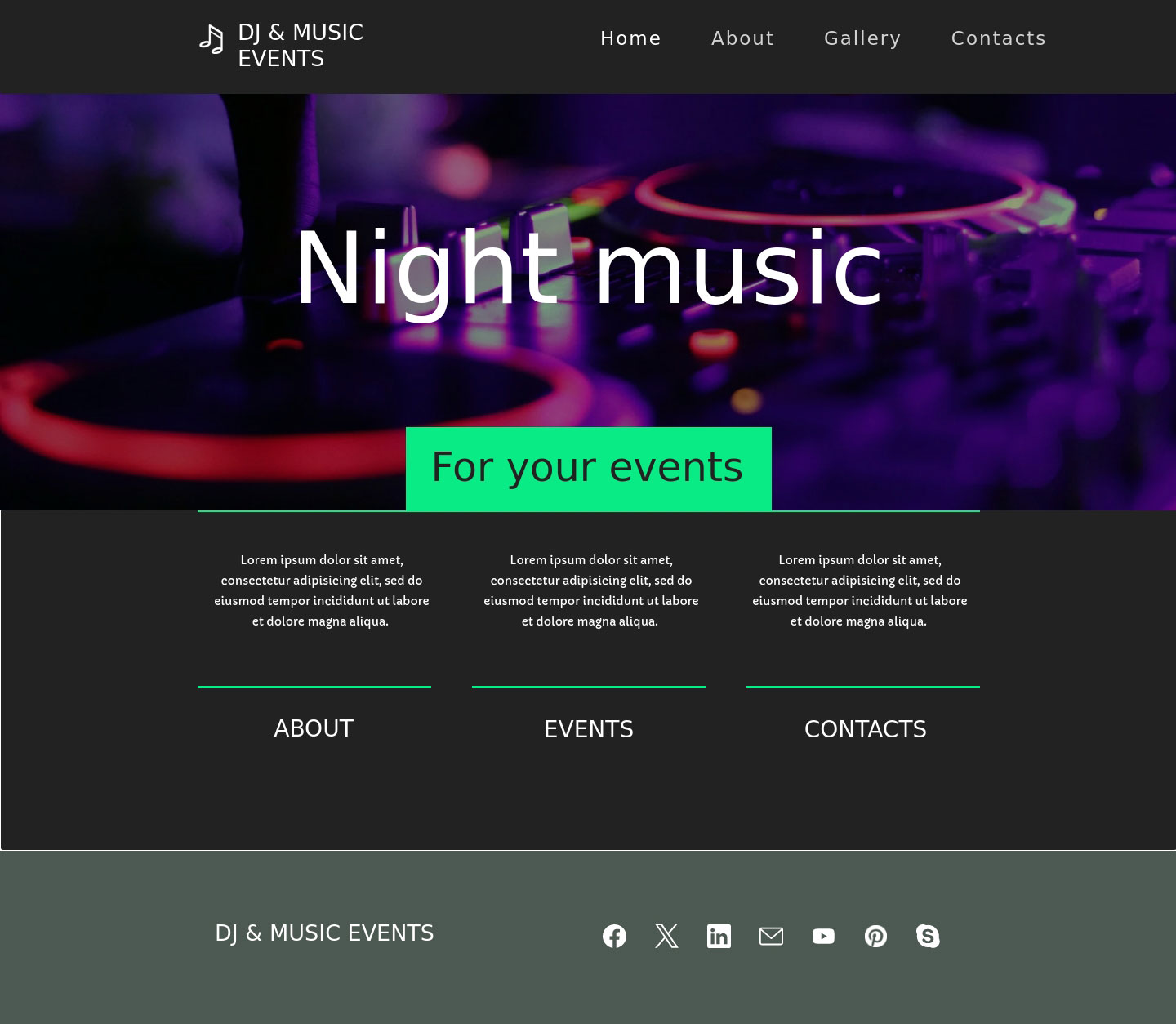
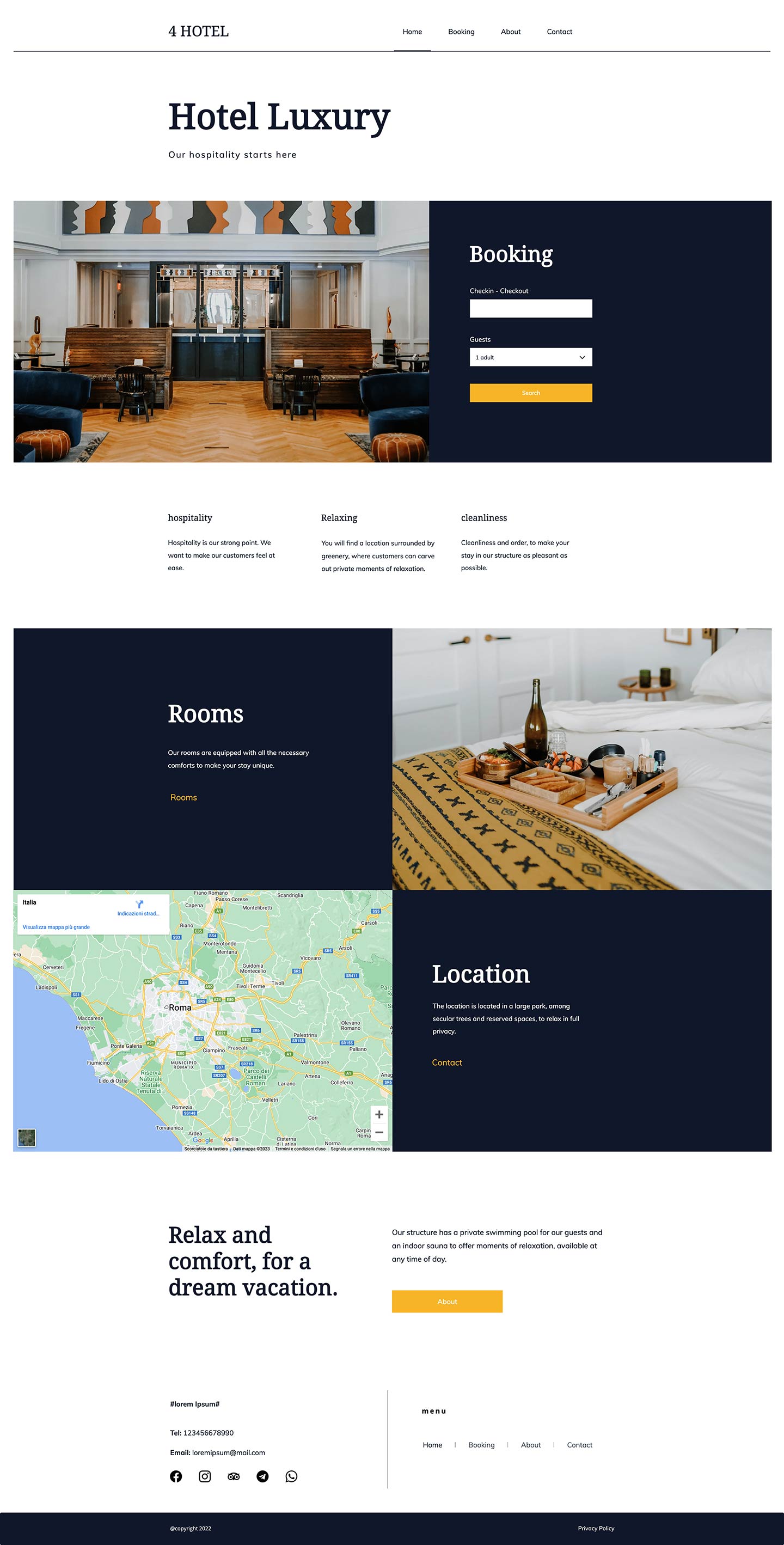
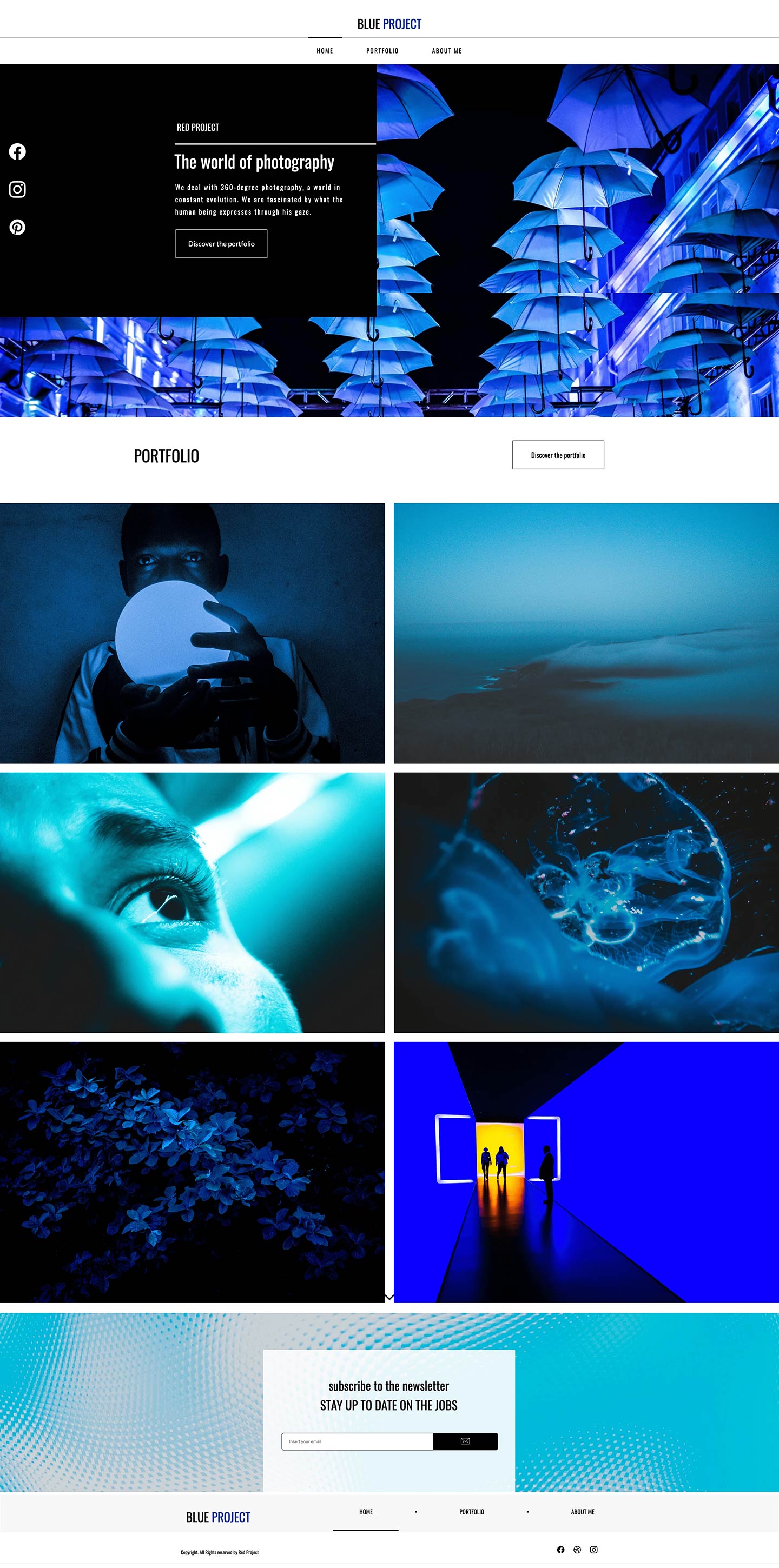
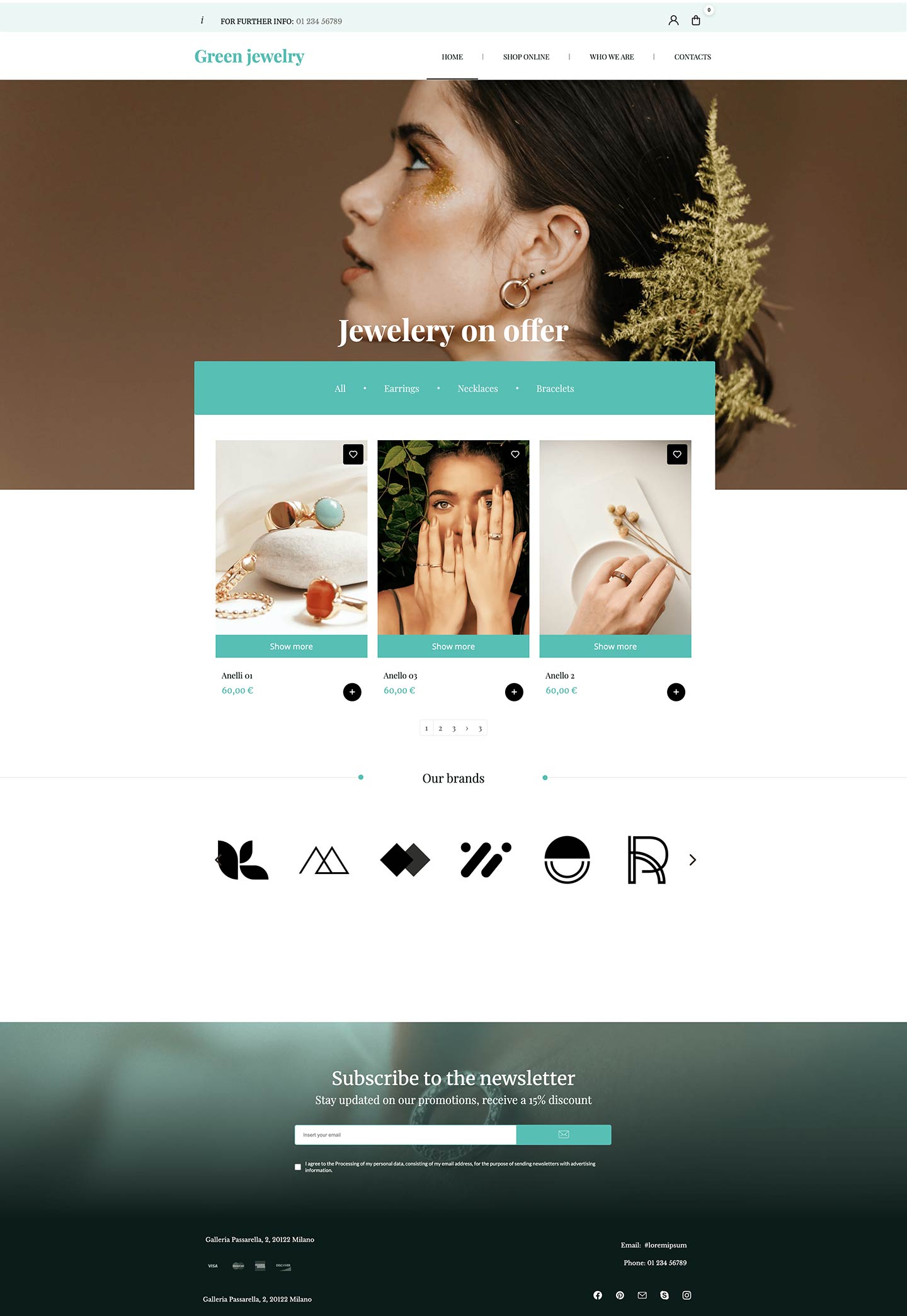
Ask AI to create your project
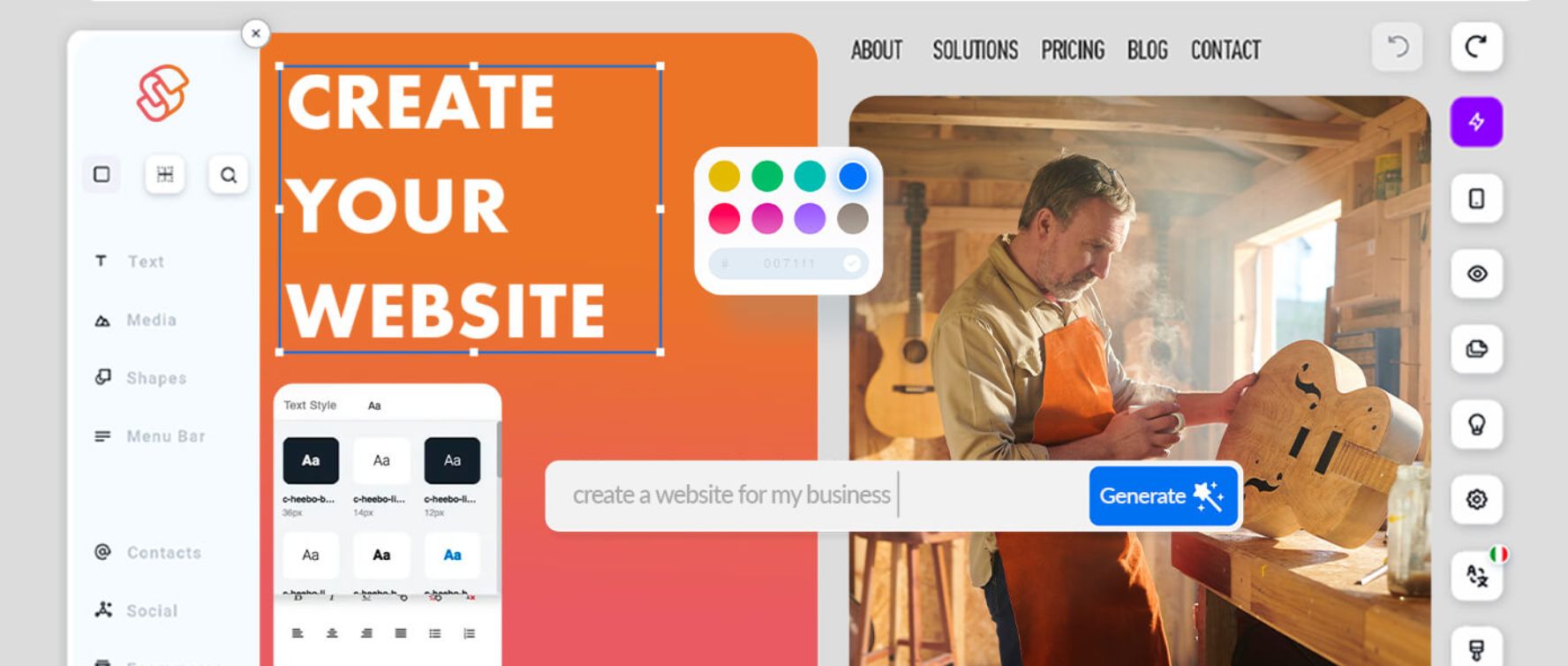
With our intuitive AI-powered editor, creating a website has never been so easy and fast.
Create your website exactly as you imagine it
Bring your ideas to life with one click thanks to AI, or get inspired and sell online with zero commissions.
starting from
With our intuitive AI-powered editor, creating a website has never been so easy and fast.
Describe your idea
Tell the integrated AI agent what kind of website you would like to create, and you’ll have it ready in just a few seconds.
Create texts and images
With generative AI, create texts, images, and product descriptions for your showcase website or online store effortlessly.
Customize the result
Edit and refine your website whenever you want through simple feedback, making it even more your own.
Create a professional looking website from hundreds of templates provided by professional designers, or customize it in your own style.
Launch your online project in just a few simple steps, thanks to help from artificial intelligence. Set your preferences and get a website tailor-made to suit you.
Start with your website name
Register the domain where you want people to find you on search engines.
Be inspired
Choose from AI generated or professionally designed themes and get a ready-to-use, customizable website.
Shine the spotlight on your world
Go online and get the visibility you need to achieve your goals.

Sitebuilder, available in Easy and Professional versions, provides a simple platform on which to create a professional website or e-commerce even with no prior technical experience.
Make the most of the wide range of features included in the Professional plan, designed for all types of business.

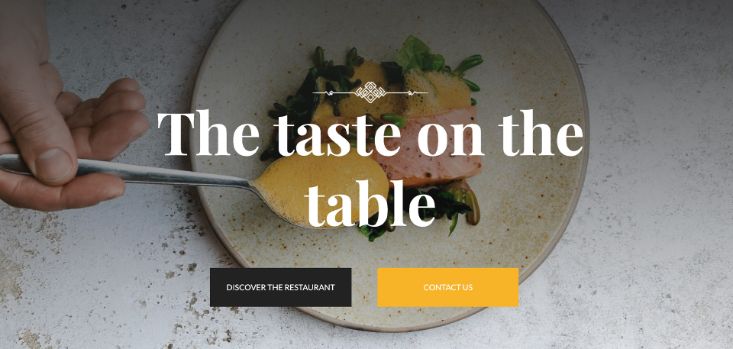
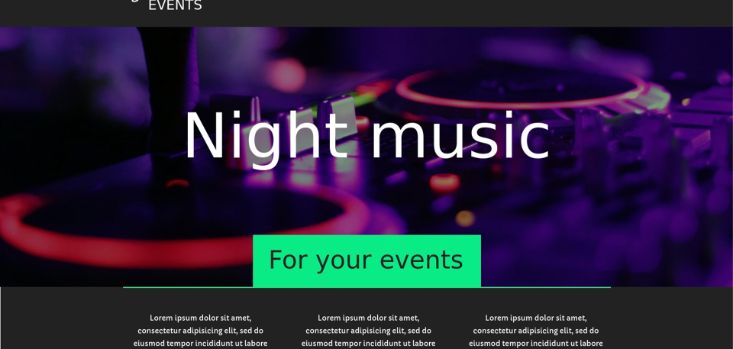
Manage rental of services directly on your website.

Create digital menus, take bookings and manage deliveries.

Design your online shop and sell products worldwide.
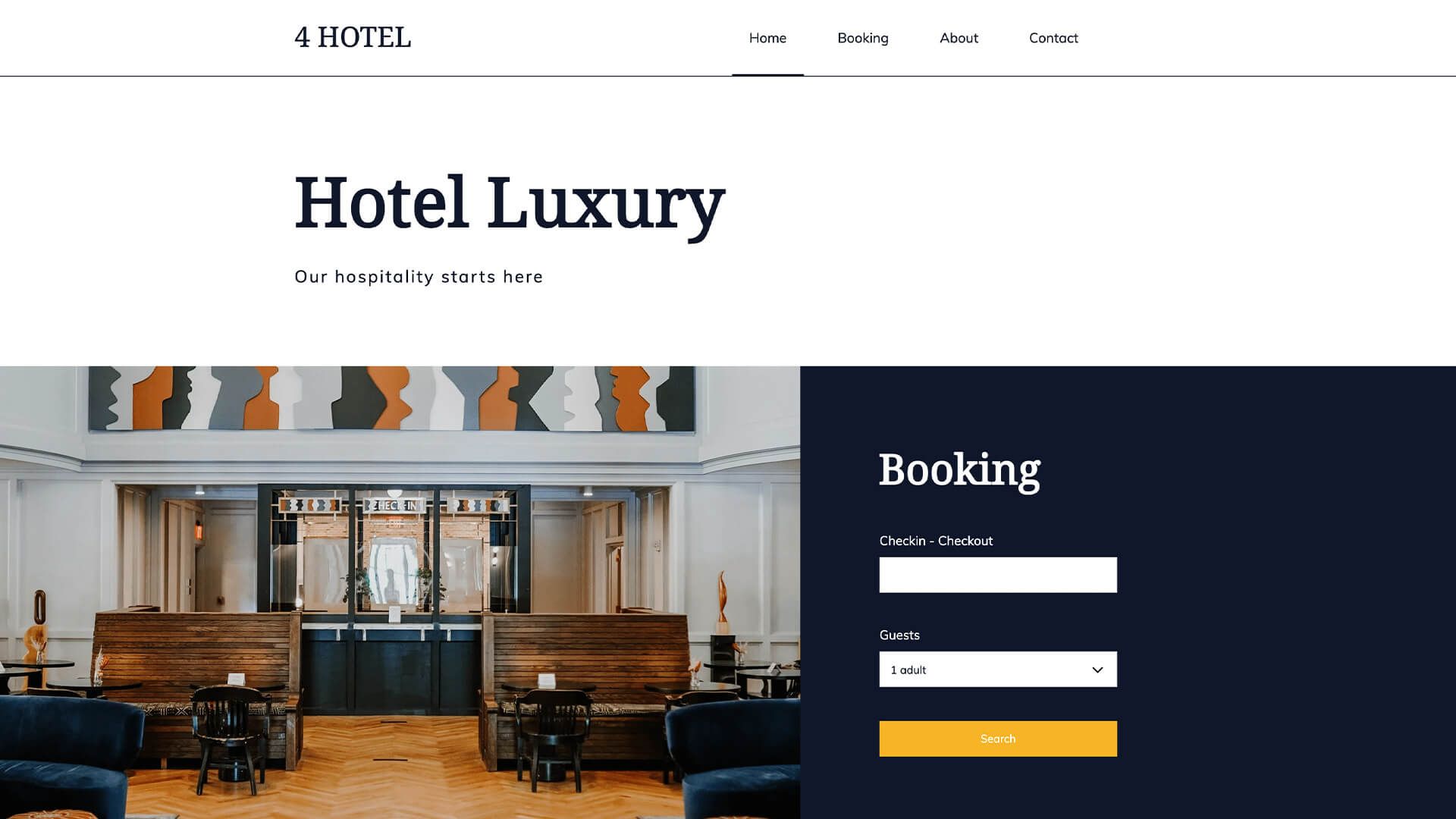
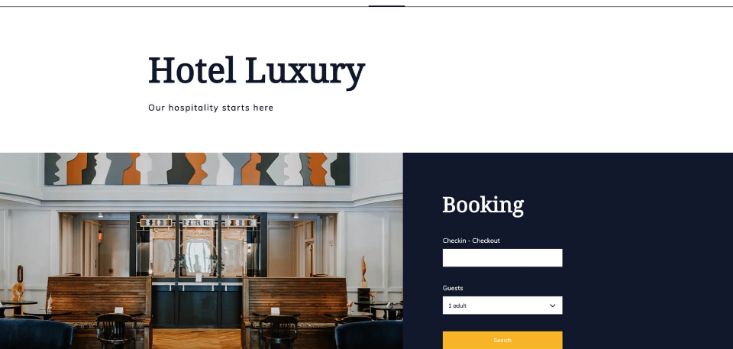
Reserve rooms and other hotel services online.
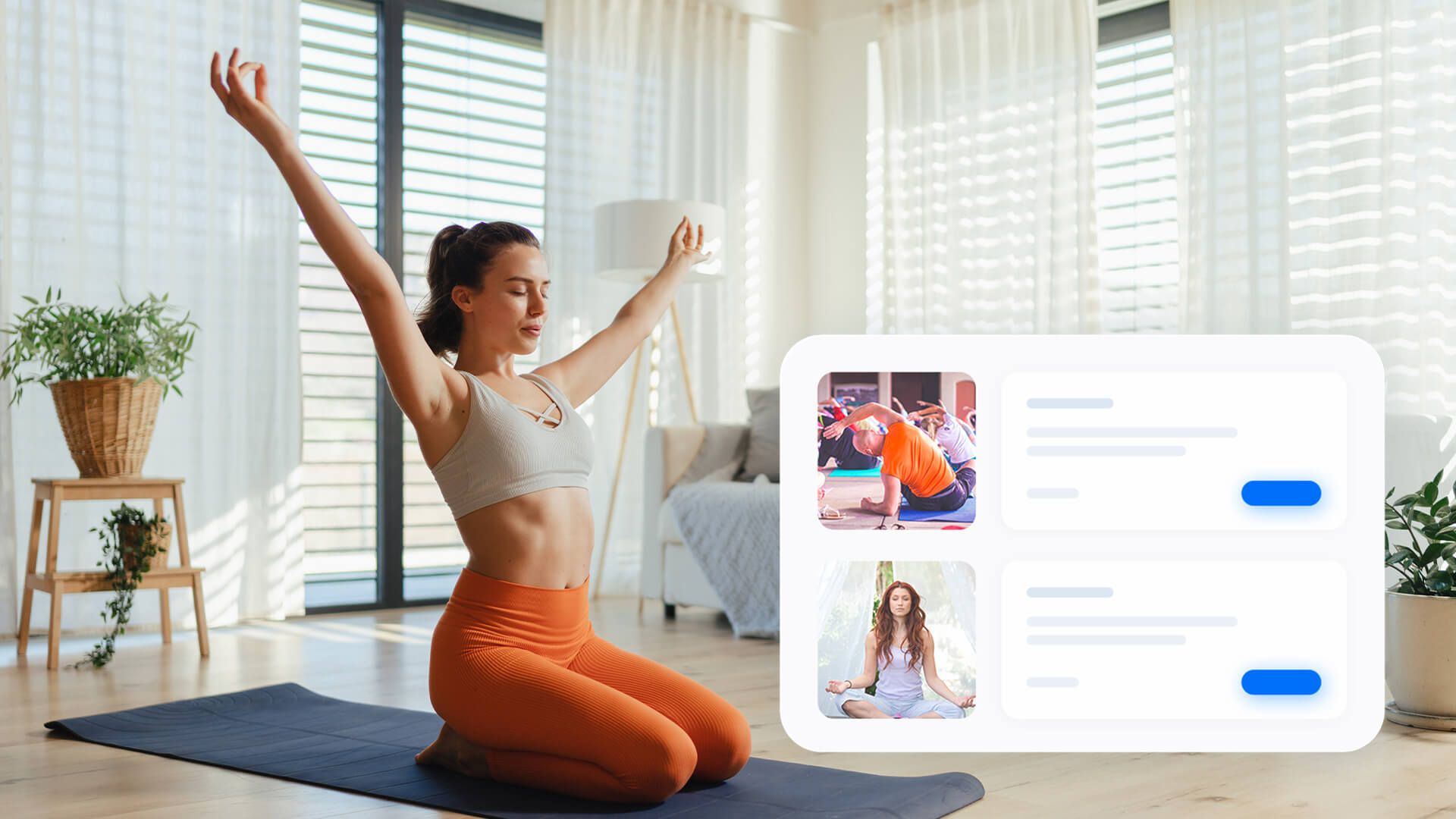
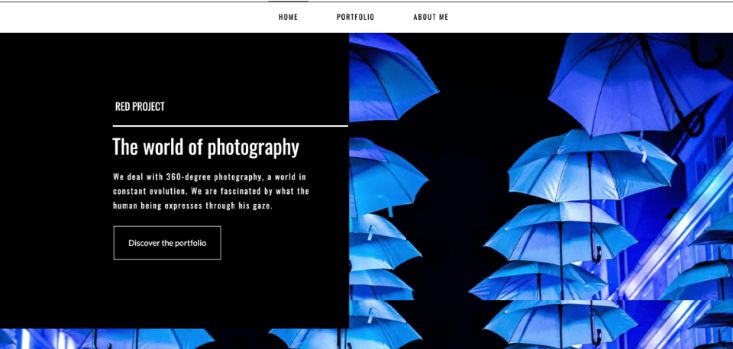
Organize your professional life.

Manage estate agent business, from appointments to inserts.









Find out about all the features of the plans on offer, with a range of features to suit every need, and compare our product datasheets.
The perfect sitebuilder for beginners who want to create their own website or blog completely independently, achieving the best results even without technical skills.
starting from € 17.90 + VAT / 1st year * renewal from € 54.00 + VAT / year
The Sitebuilder designed to create and manage a website or sell online without any additional costs from Aruba, with the support of advanced features.
NO COMMISSION starting from € 19.90 + VAT / 1st year * renewal from € 109.00 + VAT / year
Increase the visibility of your business to reach new customers and build loyalty.
Create marketing campaigns and send automated emails to communicate more effectively with your customers and potential clients.
Update your website visitors in real time with instant notifications to increase their engagement and traffic to your pages.
Reach your contacts directly through their phone numbers by sending them personalized messages and promotional offers.
Integrate a virtual assistant into your website to interact with your visitors and automate the support process.
Enhance the visibility of your business and reach new customers.
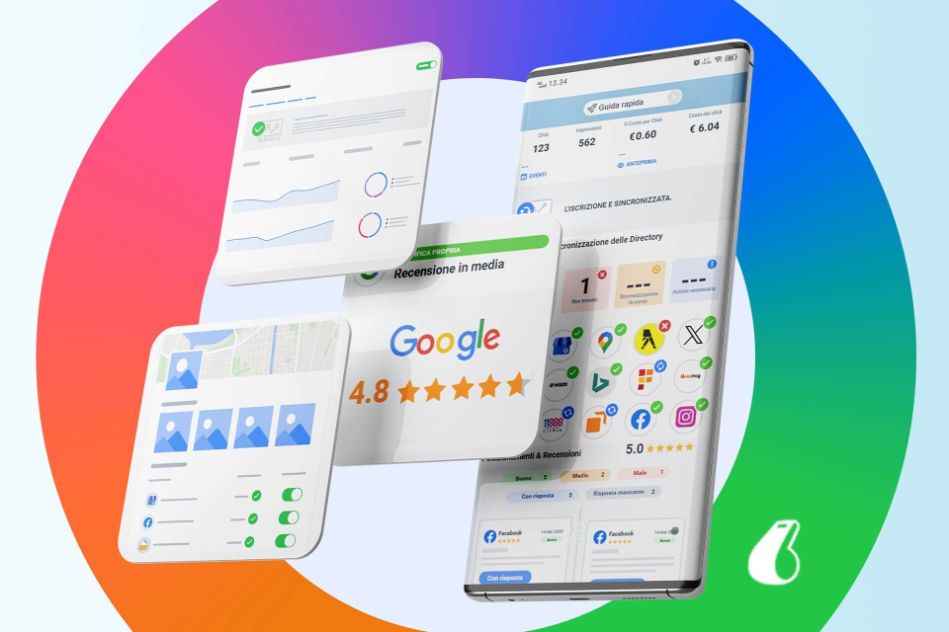
rankingCoach
Beat the competition with rankingCoach web marketing and SEO strategies and increase visits to your website.
SuperSite feature |
|
E-COMMERCE MODULE INCLUDED
SuperSite Professionalstarting from € 19.90 + VAT / 1st year * renewal from € 109.00 + VAT / year |
|
|
|
|
|
|
|
|
|
|
|
|
|
|
|---|
Download the free Aruba SuperSite app to stay up to date.

Download the free Aruba SuperSite app to stay up to date.
The SuperSite editor lets you create websites even if you don't have any knowledge of technology or programming. All you need is an up-to-date device and you can access the sitebuilder via your browser (we recommend the latest version of Chrome) to create or modify your own web pages. For more information, please see our guides and video guides.
The main difference between SuperSite Easy and SuperSite Professional relates to the e-commerce features for creating and managing an online store, and the integration of artificial intelligence. The Easy version doesn’t offer the option of an online shop and is only suitable for sites designed to provide information or advertise something. What's more, it does not offer integrated artificial intelligence and the option to generate the website or content, from text to images, automatically using AI.
Additional features exclusive to the Professional version include the Multilingual feature, which allows you to create the site in multiple languages, automatically managing the selection of the language through a special menu visible on the site header, the ability to integrate forms on the body page for sending emails with custom fields, the Chatbot and the option to integrate a section on the site for managing online bookings.
With SuperSite Easy, you can create websites with text, images, YouTube videos and much more content, to showcase yourself or your business. It is not suitable for creating websites designed to sell products, as it does not have any e-commerce features.
SuperSite Professional, on the other hand, is recommended for anyone who wants to create an e-commerce website. This version lets you create websites with excellent graphics and SEO. The advanced features let you create a website translated into multiple languages, where you can manage product sales and bookings for services.
Yes, all SuperSite versions let you manage your blog.
The blog must be created manually within the editor and will automatically enable a button on the navigation menu of the site you have created.
Individual articles added are static and users can see the content (text and images). If you use the “Disqus” widget (by subscribing on the portal) you will also be able to let users of the blog add comments and interact with the individual article.
Yes, you can ask for the SuperSite service to be linked directly to a domain you already own. To make the link, you need to go to your control panel, click on "Manage", select "Edit service" and choose the SuperSite option you want.
There are a number of options available within SuperSite that, if used correctly, give you a good position on search engines based on specified keywords. There are also SEO options for images you use, which, if compiled correctly, are used by search engines to analyze and search content.
To find out how to use the options on the individual pages, please see our guide.
Yes, you can link the Google Analytics service to the site created with SuperSite by registering on the portal, reporting your domain, verifying the ownership of the domain and subsequently being assigned a manual code by Google.
Once you have recovered the manual code you will need to access the SuperSite editor, click on the top of the page menu, select “global scripts” and paste the code provided by Google in the "head" section. Then choose which kind of cookies to associate it with, before saving the changes and publishing the page.
You will be able to view the site statistics in the Google Analytics control panel.
SuperSite can be managed using the editor by logging in on a browser: it is a very simple editor to use for anyone who needs it: you don't need to be a webmaster or to have any particular knowledge of programming, but use of SuperSite remains linked to the feature of the editor itself, which cannot be customized. For example, it is not possible to access the server via FTP, but only through the editor available. Managing bookings or your store is simple, and there are a number of predefined options that cannot be changed, such as the position of the image of the product or service, the font used, etc.
WordPress Hosting has more functions, is used for many websites and can be customized to suit your needs. It requires a greater knowledge of the service, so is recommended for users who are familiar with WordPress as a CMS and know how to manage it. The service comes with the CMS already installed so is ready to use.
There is no free trial available for WordPress and you need to have a domain with a hosting service that is compatible with the application.
Swite lets you manage a single web page. The page includes content retrieved from one or more social media platforms linked to the service. It can be activated free of charge from the control panel, using the "Start your free trial" button.
On the Aruba video guide page there is a dedicated SuperSite area in the website section.
This section contains all the useful information about the SuperSite service, and is ideal for anyone looking for help to create a website without any graphic design or programming knowledge.
With the site builder, you can generate the initial website structure from scratch starting from your idea.
You can change the design, content, and images simply by asking the AI agent to make changes and providing your preferences to get a better result. Alternatively, you can choose from hundreds of templates.
Aruba SuperSite allows you to manually edit your website at any time using the tools integrated into the editor.
* Promotions are subject to restrictions
We provide a 24/7 phone and ticket support service.
Learn about Hosting and Domains support
.jpg)